|
Once the user has a
"Project" and a "Solv Set" a calculation can be
started. You
can do this with the Menu Bar. All the calculations come under Solv, Oil, Utilities and Gas headings in the Menu bar.
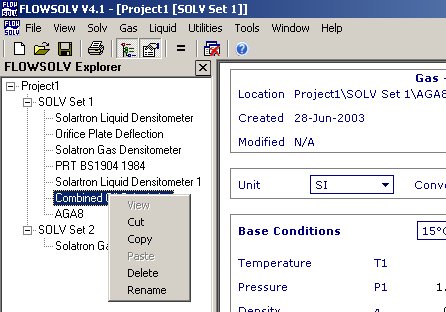
To Copy ,Delete or
Rename a calculation right click on the calculation you want to modify
on the explorer window. This will display a menu as shown below.
|
