|
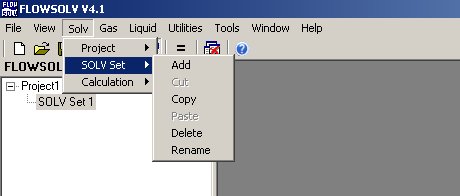
SOLV Set menu allows the
user to Add/Delete/Cut/Copy/Paste/Rename the SOLV Set that is
selected. This can also be done with a "right mouse click" on the SOLV
Set you wish to change in the FLOWSOLV explorer.
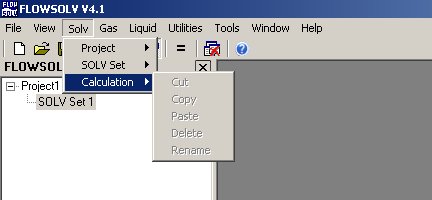
Calculation menu allows
the user to Cut/Copy/Paste/Delete/Rename the calculation that has been
selected. This can also be done with a "right mouse click" on the
calculation you wish to change in the FLOWSOLV explorer.
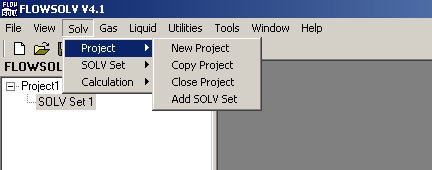
Project menu allows the
user to add/copy/close the project currently in use. This can also be
done with a "right mouse click" on the project you wish to change in
the FLOWSOLV Explorer. The user can also add a new solv set to the
Project with the "Add SOLV Set" selection.
|
